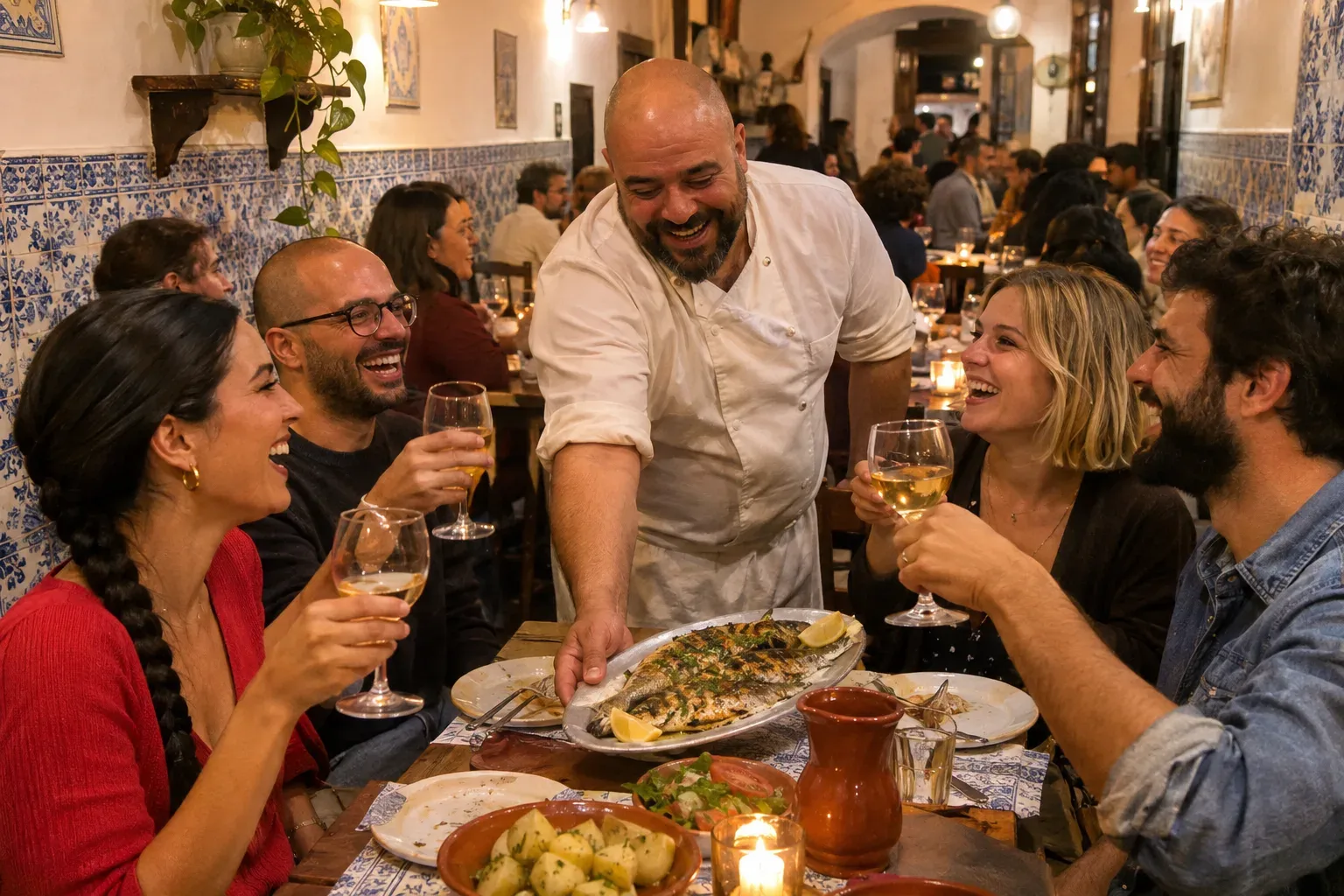
Guests decide where to eat in a few minutes, often on their phone, often in the evening, often with someone asking "so where do you want to go?" Your marketing has to make that decision easy. This guide shows you what to set up first, what to do each week, and what you can leave alone.
What actually brings customers to a restaurant
People choose a restaurant by looking at three things: where it is, what the food looks like, and what other guests say. Then they check if they can get a table. Everything that works helps with one of those.
Google is your front door. Searches like "Italian restaurant near me," "best tacos downtown" or "restaurant open now" show a map with a few places. The restaurant with clear photos, a readable menu, recent reviews and correct hours gets the click and the booking.
Reviews do the selling. Guests read them closely, especially the newest ones and how you replied. A restaurant that answers its reviews looks cared for.
Instagram and Facebook make people hungry. They are where guests discover dishes, check the feel of the room, and decide whether your place fits a date night, a family dinner or a quick lunch.
What moves guests:
- An accurate Google Business Profile with menu, hours and booking link
- Recent reviews, with your replies
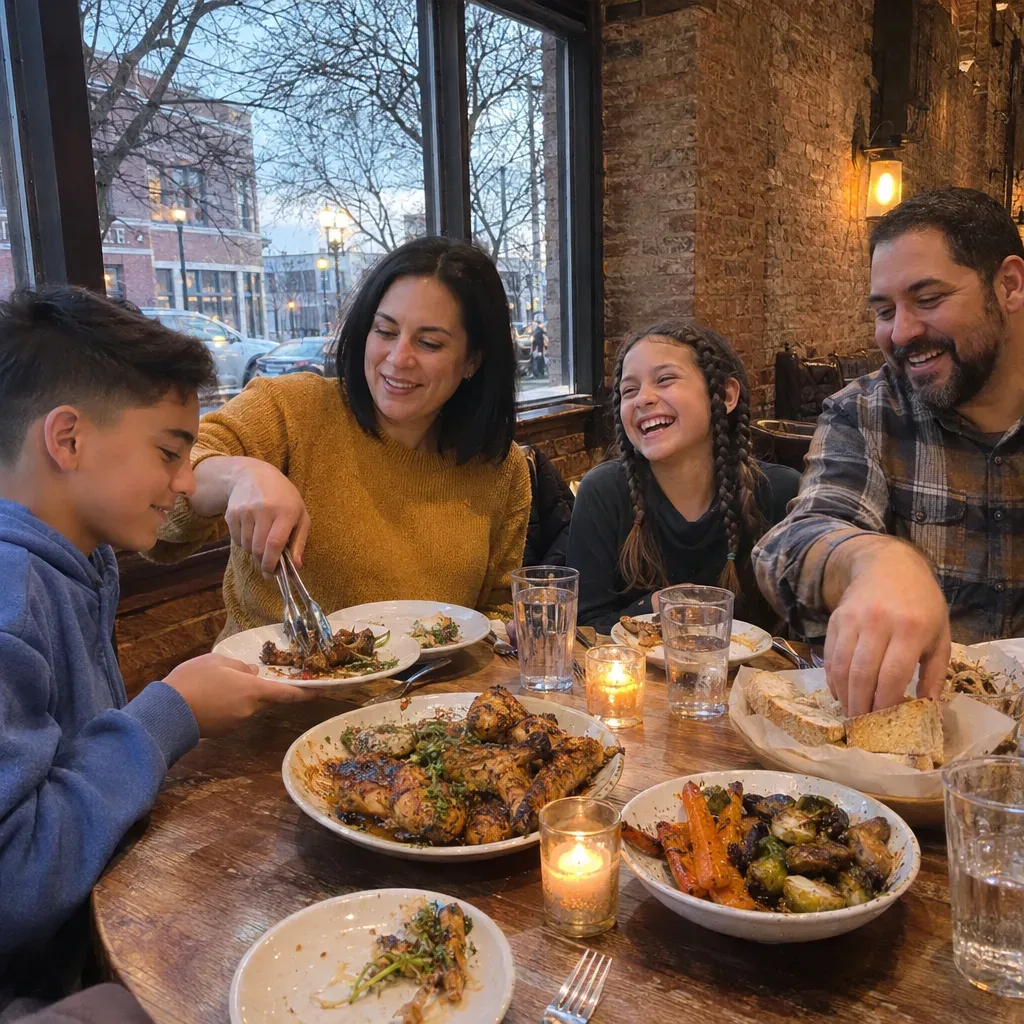
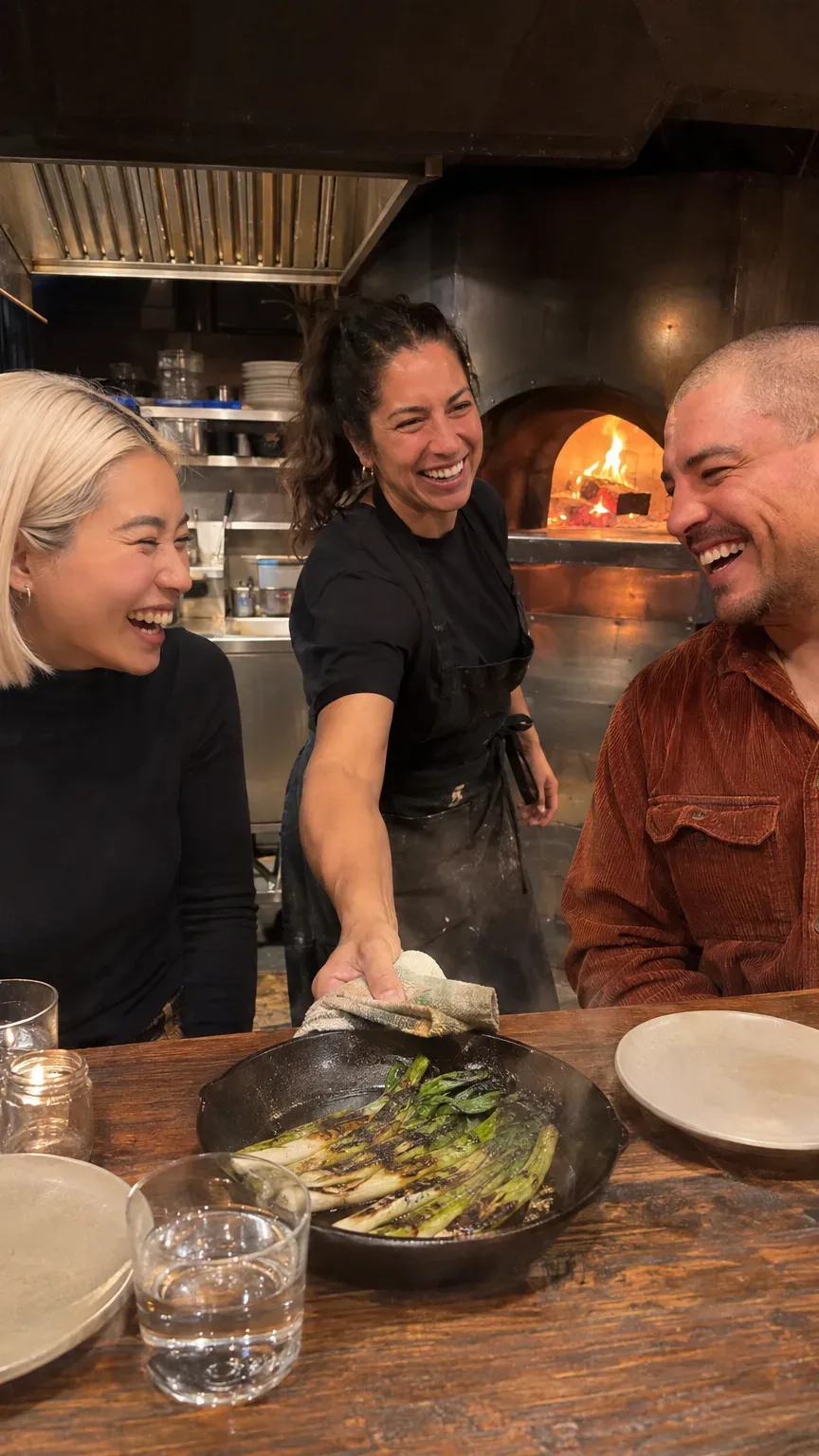
- Real photos of real plates, in good light
- A clear reason to come now: a new menu, a seasonal dish, a set lunch, a holiday dinner
- Booking or ordering in one tap
What is mostly a waste of time:
- Food photos that look nothing like what arrives at the table
- The same "come visit us" message, over and over
- Chasing followers far outside the area you serve
- Big ad budgets before your profile and reviews are ready
Start here: the first steps, in order
- Complete your Google Business Profile. Check hours for every day and every holiday. Add your menu as text, not only as a photo of the paper menu. Add your cuisine, price level and attributes like outdoor seating, kid-friendly, vegetarian options or wheelchair access. Add your booking link and your ordering link if you have them.
- Upload your best photos. The dishes people come for, the room when it is full and warm, the outside so people recognize you from the street. Replace old photos when the menu changes.
- Reply to your reviews. Start with the last few months. Thank people by name and mention what they ate. For a bad review, apologize for the experience, say what you are doing about it, and invite them to get in touch. Then keep replying to every new one.
- Make booking easy. One link that works on a phone, the same on Google, Instagram and your website. If people must call, make sure someone picks up during the hours you list.
- Get your website right for Google and AI search. A page with your menu as text, address, hours, booking, and a few lines about your food and your story. This is what Google and assistants like ChatGPT read when someone asks where to eat nearby for a birthday.
- Set up Instagram properly. A bio with your neighborhood, your cuisine and the booking link. Pin posts for your signature dish, your room and your team.
A realistic week
A steady weekly rhythm beats an occasional burst. This is the week Huuve plans for a restaurant: which channels, how often, and what goes on each.
A week of marketing for a restaurant
The plan Huuve runs for cafés: 4 channels, what goes on each one and why. The week Bramble Bistro gets.
Marketing channels
 Instagram5 posts a weekWhere your regulars are. Bake-from-scratch Reels reach people who do not follow you yet.
 Google Business Profile1 post a weekShows up when locals search 'brunch near me'. Most bakeries never post there.
 Facebook3 posts a weekWhere the neighborhood plans its weekend. Sell-out posts get people in before the trays are empty.
 Meta AdsYour neighborhood is on Facebook and Instagram, and ads bring in people who have not visited yet. Huuve plans and writes the ads and you approve every one.
 Google AdsPeople search for brunch or a café near them, and a Google ad puts you at the top when they are hungry. Huuve plans and writes the ads and you approve every one.
 RadarPeople ask for the best café or brunch in town and review every place, and Radar finds those posts. You answer the ones that matter first.
What to post
- Today's food35%The dishes and bakes of the day, shot fresh. Food that looks good right now brings people in today.
- Take a photo of the first tray out of the oven
- Film 10 seconds of today's special being plated
- Behind the counter25%The kitchen, the early mornings, the people who make it. It makes your place feel like yours, not a chain.
- Film the first coffee of the morning being made
- Take a photo of the team before opening
- Your guests20%Regulars, full tables and happy faces, shared with permission. People trust a place other people clearly love.
- Ask a regular if you can take their picture with their order
- Take a photo of a full room at lunch
- News and offers20%New menu items, opening hours, holidays and offers. It gives people a reason to come back this week.
- Tell us what is new on the menu
- Tell us about any change to your hours
Instagram, about five posts a week. The biggest share is today's food, shot fresh: the special being plated, the pasta coming off the pass, the first plate of the season's asparagus. Next comes the kitchen and the team, then your guests (with their permission) and a full room on a good night. For example:
- "New on the menu this week: slow-roasted lamb shoulder with white beans. Tables tonight from 6."
- Fifteen seconds of the dough being shaped or the sauce coming together.
- "We still have a few tables for Saturday night. Book through the link in our bio."
Google Business Profile, one update a week. Your weekly special, a new set menu, holiday hours. Add new photos when dishes change. Fresh posts keep your listing active, and most restaurants around you never post there.
Facebook, about three posts a week. This is where locals plan their weekend and where families decide on Sunday lunch. Specials, events, a wine night, the holiday menu.
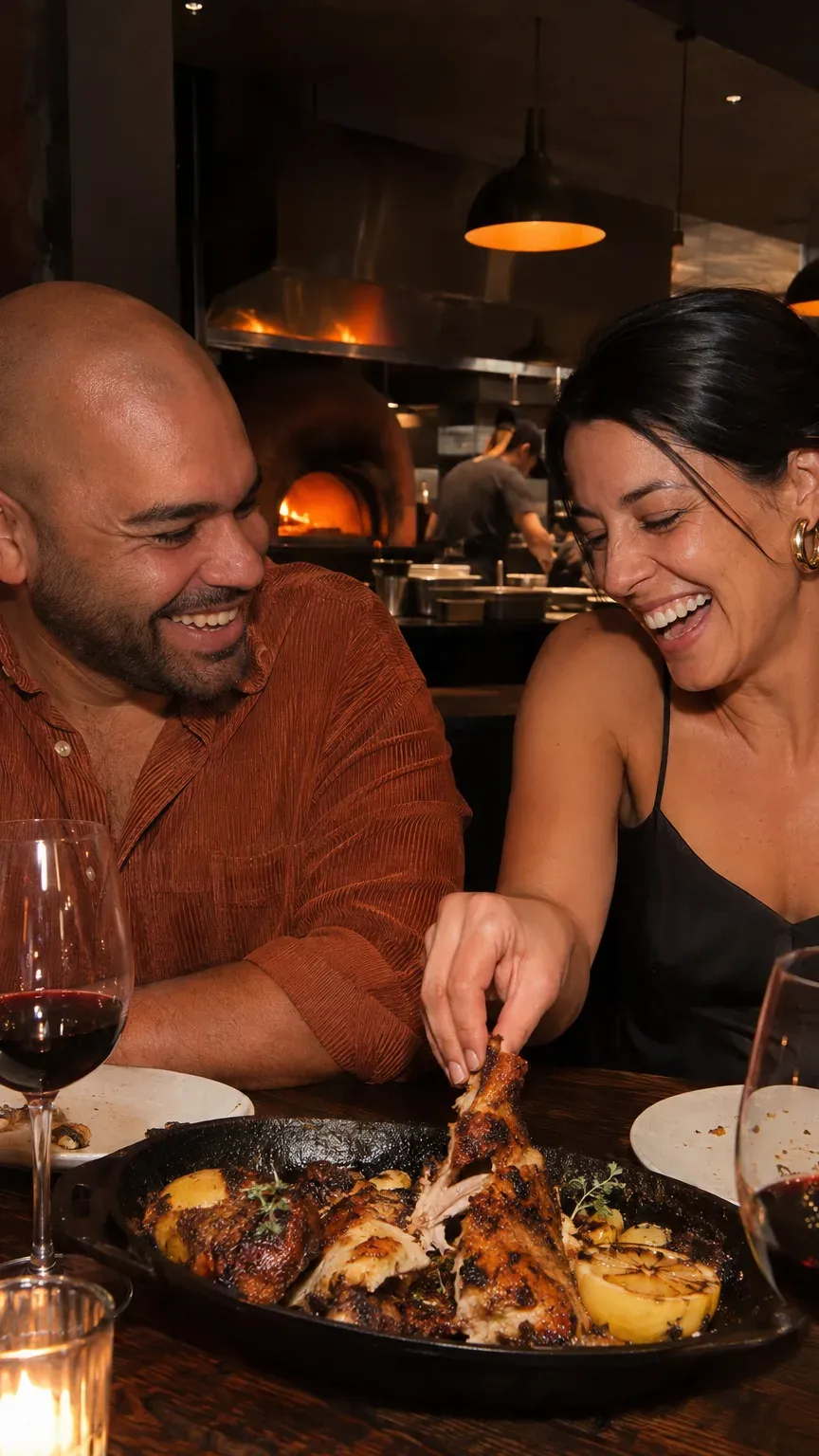
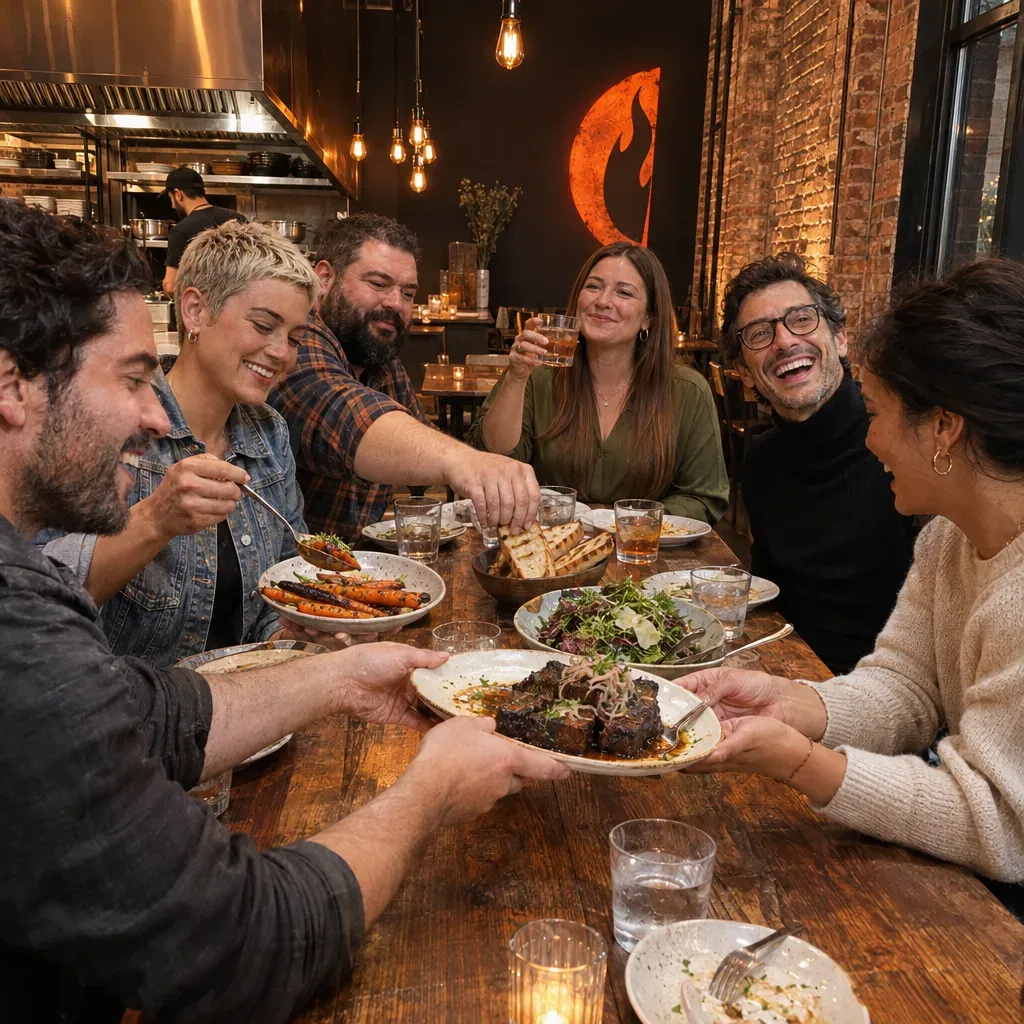
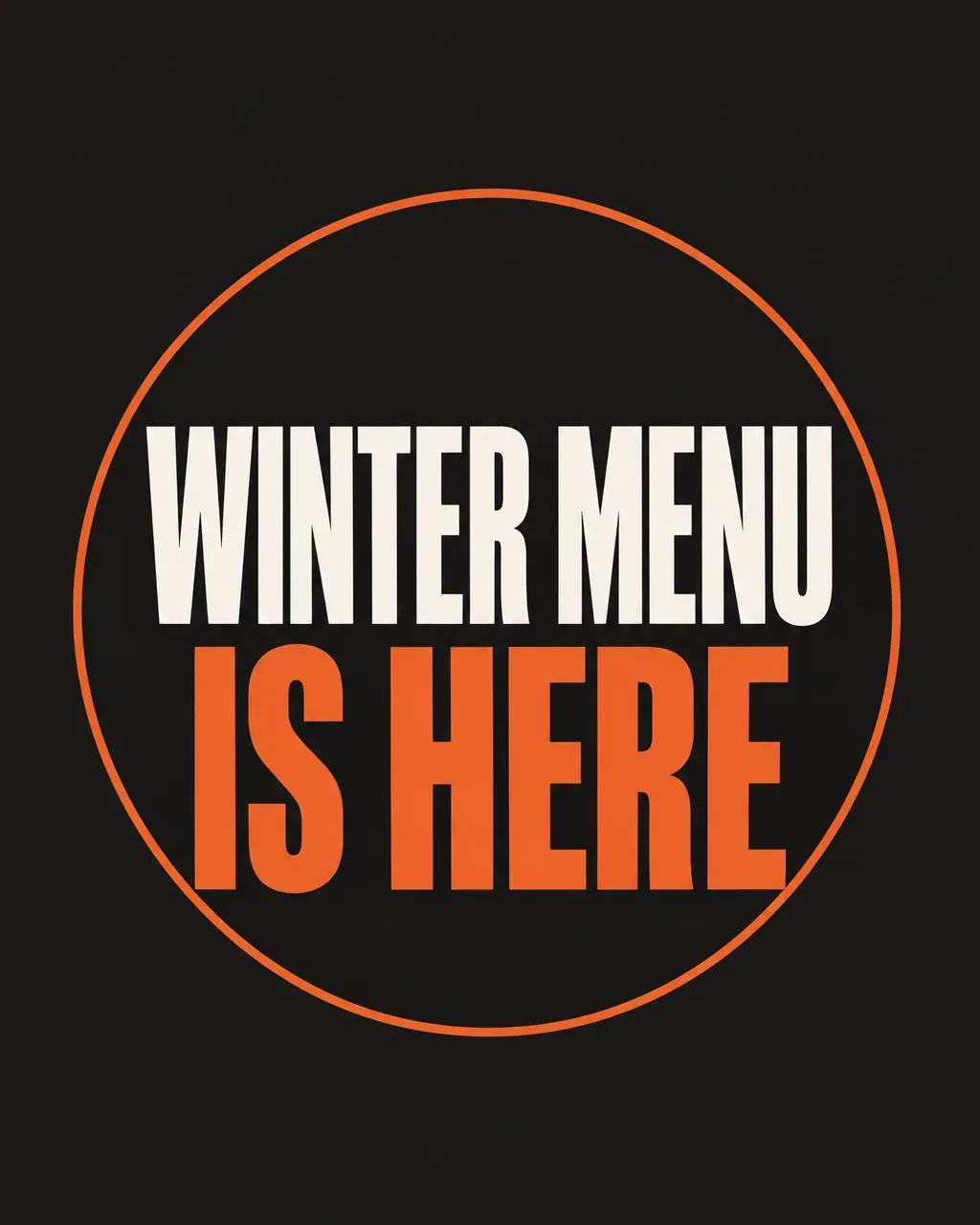
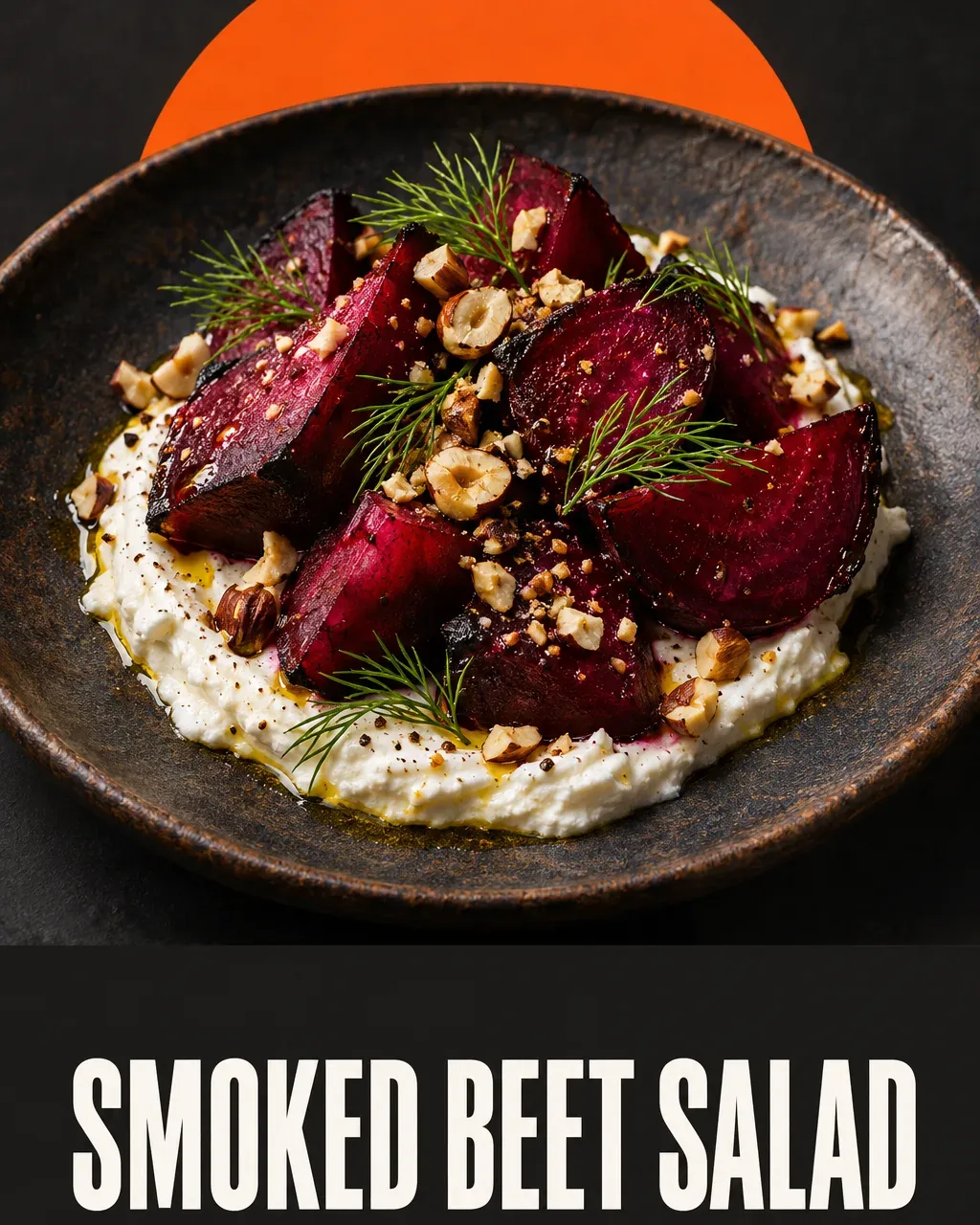
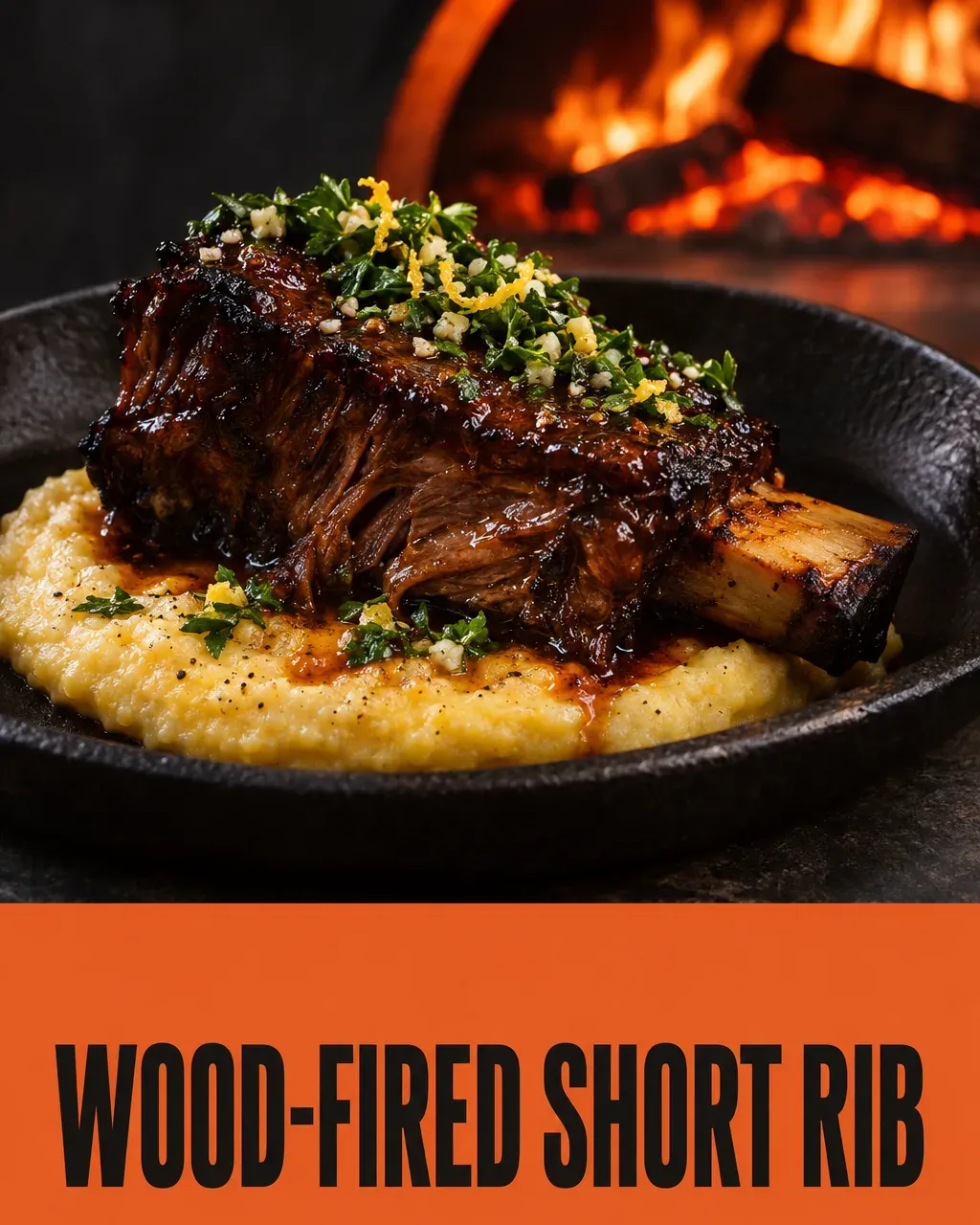
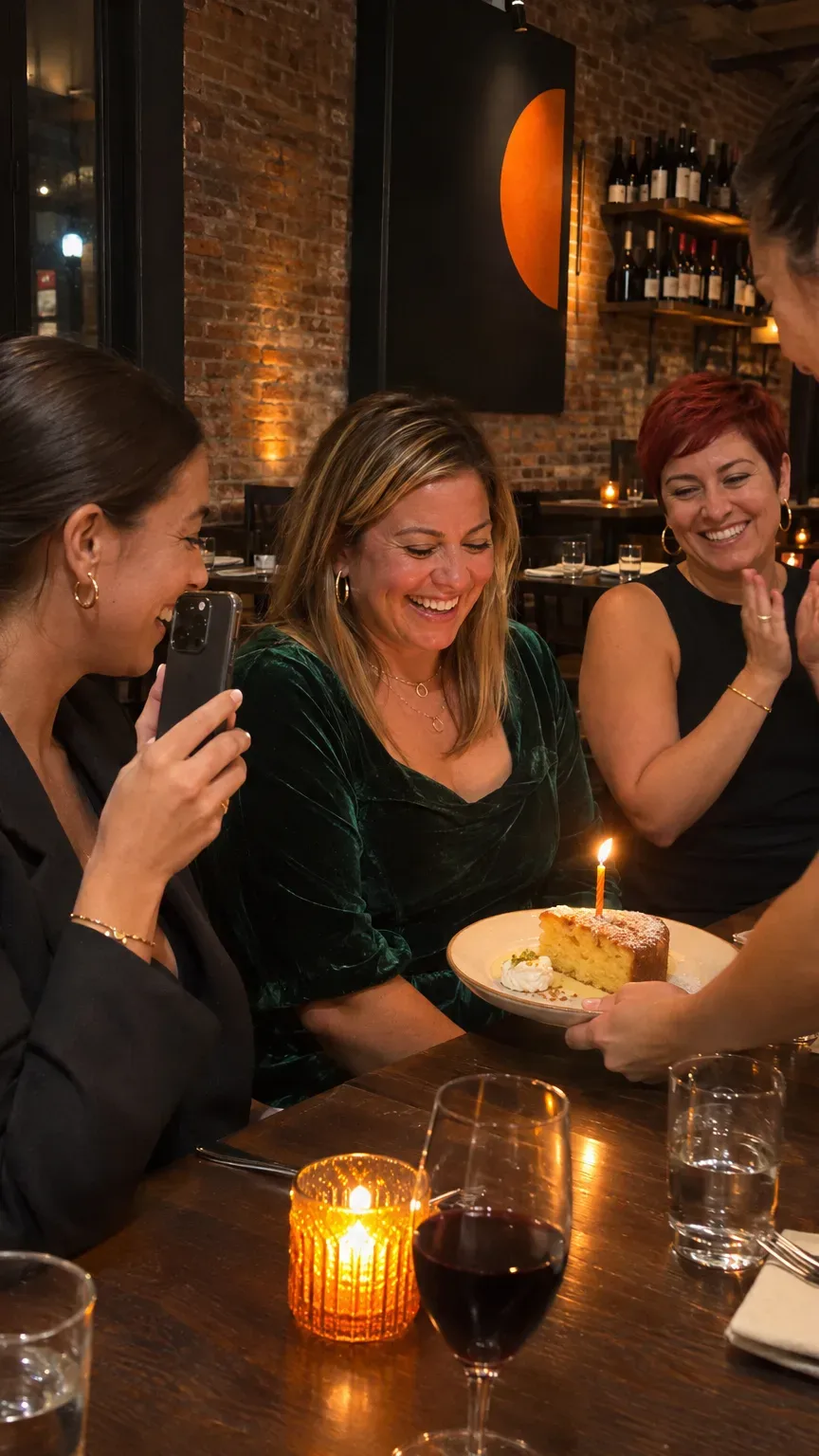
News and offers make up a smaller share, and they are the posts that turn interest into a booking this week. Here is what these posts can look like:
Posts for Ember & Salt

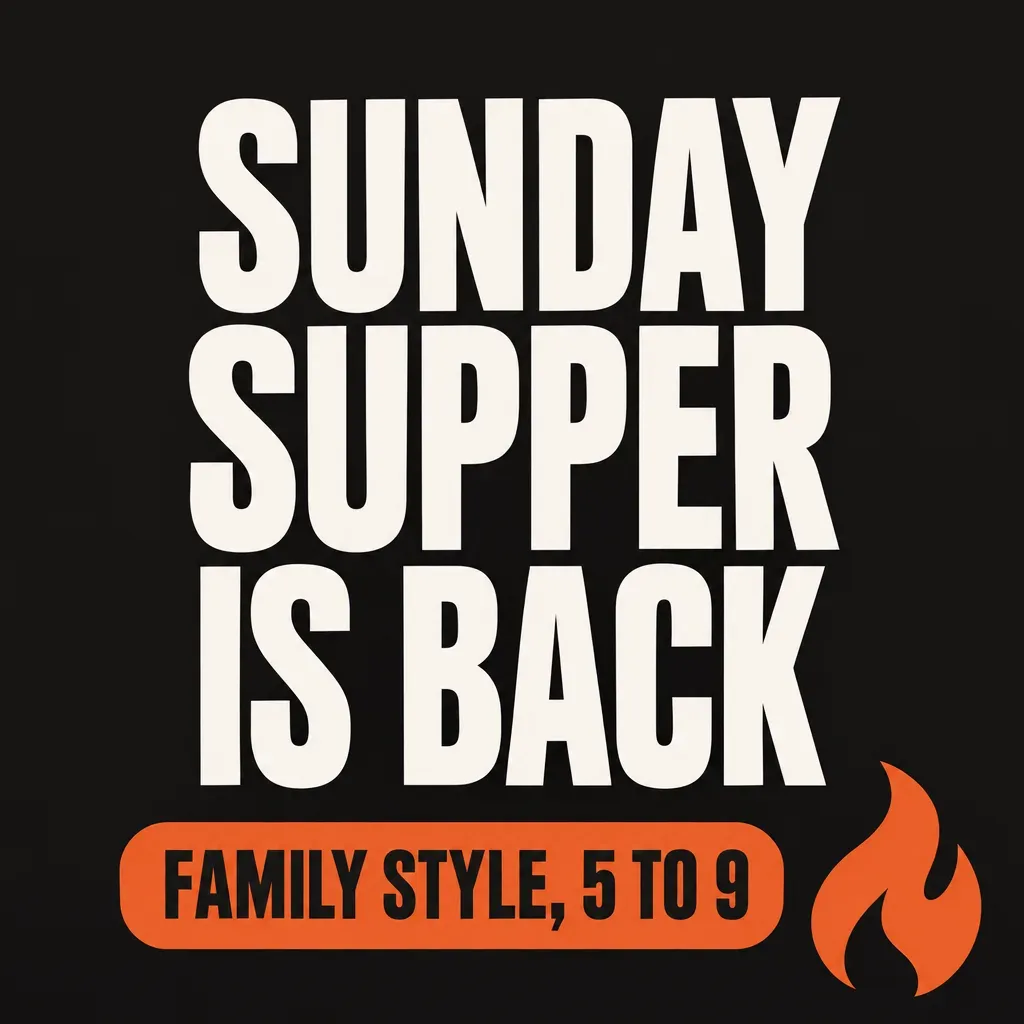

Ads for Ember & Salt
Answer every day: reviews, messages, booking requests and Google questions like "Do you take walk-ins?" or "Is there parking?" Fast replies turn questions into tables.
Plan around your calendar. Valentine's Day, Mother's Day, graduation season, terrace season, holiday parties and New Year's Eve are booked weeks ahead, so start talking about them early. Quiet nights are the place for a set menu, a wine night or a lunch deal.
What to measure
Likes do not fill tables. These numbers do.
- Bookings and covers per week, and which days are weak.
- Clicks on booking, call and directions on your Google profile.
- Online orders, if you do takeout or delivery.
- Reviews per month and your average rating.
- Where guests came from. Ask in the booking form or at the table: "How did you find us?"
Look at trends over a few weeks. One rainy Friday tells you little. If a post about the Tuesday set menu is followed by a full Tuesday, do more of that. If it is not, try something else.
Do's and don'ts
Do
- Put your menu online as text, not only as a PDF or photo
- Use one booking link that works on a phone, everywhere
- Reply to every review and mention what the guest ate
- Talk about holidays and big dates weeks ahead
- Use your posts to fill your weakest nights
- Keep your delivery app listing as good as your Google one
Don't
- Show food that looks nothing like what arrives at the table
- Let holiday hours go out of date
- List different hours on Google, Instagram and your website
- Buy reviews or trade discounts for five stars
- Run ads to a booking link that breaks on phones
- Spend on ads before your photos and reviews are strong
When your profile, photos and reviews are in shape, small local ads work well for clear moments: a new menu, a holiday dinner, quiet weekday lunches. Keep them close to home and point them at your booking link. Google ads catch people searching for a place to eat right now. Instagram and Facebook ads reach people nearby who have not visited yet.
This is the same pattern that works for most Local businesses: win the map, earn the reviews, and give people a reason to come this week.
Frequently asked questions
More marketing guides like this
Where to start today
Look up your restaurant on Google Maps on your phone, as a guest would. Check the hours, the menu and the first three photos. Fix whatever would make you pick another place. Then reply to the last five reviews. Tomorrow, take a photo of the special before service starts. That is how a full book begins.
The two things that matter most
Whatever you choose to do, two things decide whether your marketing grows: being consistent and being data-driven. Show up every week, not in bursts, because people forget a business that goes quiet. And look at what actually brought customers in before you plan the next week, so you do more of what works. Without both, you are mostly guessing, and growth comes and goes.
Let Huuve do it for you
Huuve does all of this for you on autopilot. It plans every week from what brought customers in, writes the posts and keeps you consistent, while you spend about 15 minutes approving it. That can save you 10+ hours a week. See how it works, or ask your own AI if Huuve fits you.

Try Huuve for 30 days
Huuve plans your restaurant's week, writes the posts and the review replies, and you approve it all in about 15 minutes. If it is not for you, get your money back.
From $149 a month
30-day money-back guarantee