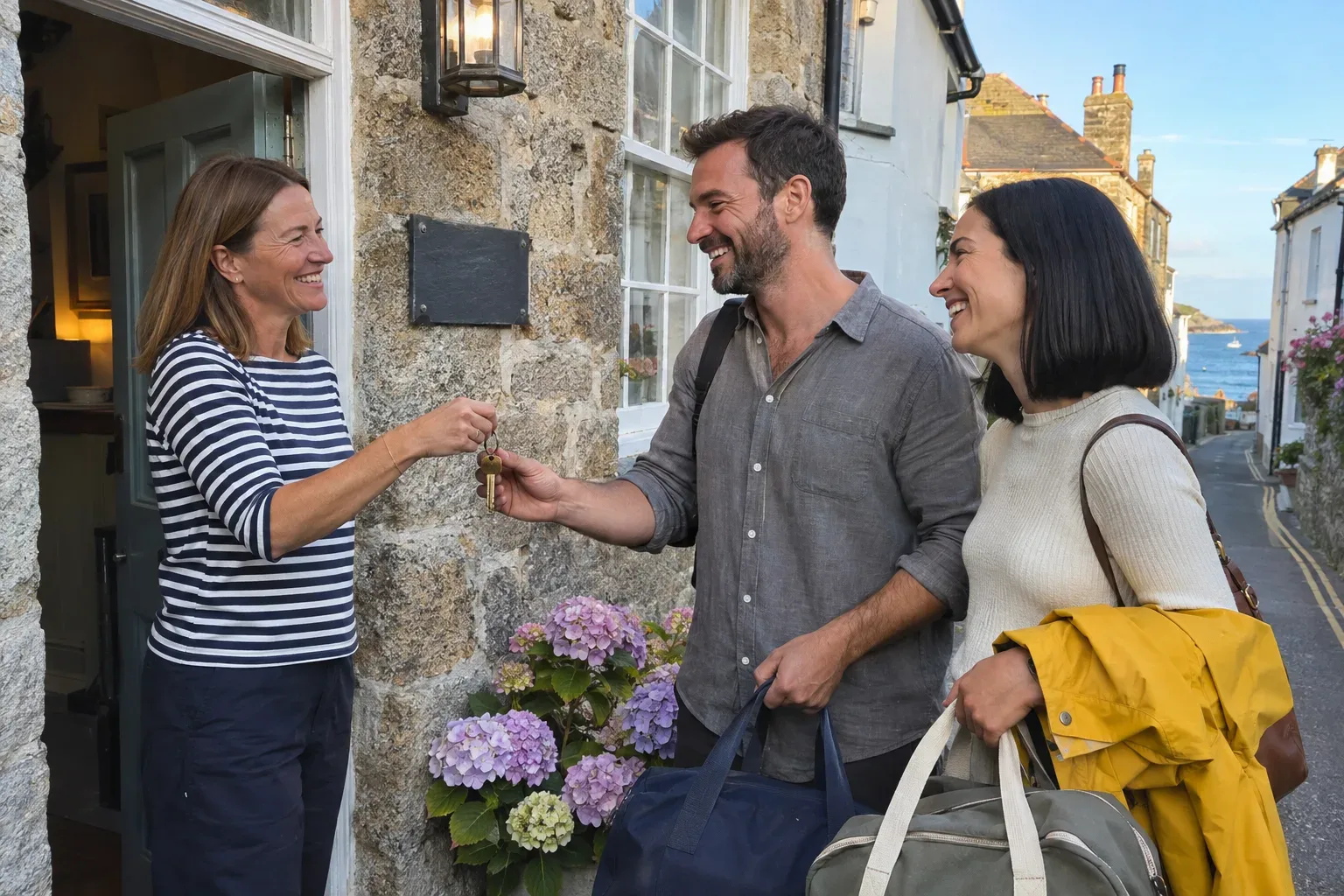
Travelers choose a place to stay long before they arrive. They dream on Instagram, compare on Google, read every review, and then decide where to book. Your marketing job is to be there at each step and make booking with you directly the easy choice. This guide shows you what to set up first, what to do each week, and how to fill the dates that are still open.
What actually brings guests to a hotel or B&B
A stay is a bigger decision than a coffee. People look at three things: can I picture myself there, what do other guests say, and what is there to do around it.
The rooms and the views. People book the stay they can picture themselves in. Bright, honest photos of the rooms, the bed, the view from the window and the breakfast table do most of the selling.
Reviews. Guests read them closely, the newest ones first, and they read your replies. A place that answers its reviews with care looks like a place that will take care of them.
The area. Most people are not traveling for the bed. They come for the coast, the hiking, the wine, the city. When you sell the trip and not only the room, you become part of their plan.
The map. "Hotel near me," "B&B in" your town, "place to stay near" the venue or the trailhead. Your Google Business Profile shows up right there, with your photos, your reviews and a link to book.
What moves guests:
- Real photos of your rooms, in good light
- Recent reviews, with thoughtful replies
- Local tips that make the trip better
- A direct booking link that works on a phone
- A clear reason to book now: an open weekend, a seasonal package, an event nearby
What is mostly a waste of time:
- Wide-angle photos that make a room look bigger than it is
- Posts that only say "book now"
- Chasing followers who will never travel your way
- Ignoring reviews on the sites where guests leave them
Start here: the first steps, in order
- Complete your Google Business Profile. The right category ("Hotel," "Bed & breakfast," "Inn"), check-in and check-out times, amenities like parking, breakfast, pets or accessibility, and your direct booking link. Upload photos of every room type, the breakfast, the outside and the view.
- Reply to your reviews. Start with the last few months on Google and the booking sites you use. Thank guests by name and mention something from their stay. Answer complaints calmly and say what you changed.
- Make direct booking easy. One link that works on a phone, with clear rates and open dates, the same on Google, Instagram and your website. If guests prefer to call or email, answer quickly.
- Get your website right for Google and AI search. Your rooms, your location, what is nearby, how to get there and how to book, as text. This is what Google and AI assistants like ChatGPT read when someone asks for a quiet place to stay near the coast with a good breakfast.
- Write down your local tips. The walk you send every guest on, the restaurant you always book for them, the beach with no crowds. These become some of your best posts.
- Set up Instagram. A bio with your location, what makes you special and the booking link. Pin your best room, your view and your area.
A realistic week
A steady rhythm keeps you in mind until people are ready to book. Here is the week Huuve plans for a hotel or B&B:
A week of marketing for a hotel
The plan Huuve runs for hotels: 4 channels, what goes on each one and why. The week The Harbour House gets.
Marketing channels
 Instagram4 posts a weekWhere the trip gets dreamed up. Vertical room tours win direct bookings.
 Google Business Profile1 post a weekShows up when travelers search 'hotel near me'. A fresh profile beats the booking sites.
 Facebook2 posts a weekWhere weekend breaks get planned. Breakfast posts get the messages.
 Google AdsTravelers search for a hotel near them, and a Google ad wins the booking before the booking sites do. Huuve plans and writes the ads and you approve every one.
 Meta AdsTravelers dream up their trip on Instagram and Facebook, and ads show them your rooms. Huuve plans and writes the ads and you approve every one.
 RadarGuests review every stay and ask for tips in travel forums, and Radar finds those posts and reviews. You answer the ones that matter first.
What to post
- The rooms and the views30%Rooms, views and the details guests love, shot in good light. People book the stay they can picture themselves in.
- Take a photo of the best room in morning light
- Film the view from a window or the terrace
- The area around you25%Things to do nearby: walks, beaches, restaurants, events. You sell the trip, not only the bed.
- Take a photo on your favorite walk nearby
- Tell us three local tips you give every guest
- Guest moments20%Guests enjoying their stay and what they say about it. Happy guests convince the next ones.
- Share a review a guest left this week
- Take a photo of breakfast being served
- Offers and seasons25%Packages, open dates and seasonal stays. It turns interest into a booking for a specific date.
- Tell us which dates you still want to fill
- Name a package or offer for the coming season
Instagram, about four posts a week. Where the trip gets dreamed up. The rooms and the views come first: the best room in morning light, the view from the terrace, a detail guests always mention. Then the area around you, guest moments, and your offers. Short vertical room tours work well. For example:
- A slow pan across the room at 8 in the morning, sun on the bed, the sea in the window.
- "Three things we tell every guest: the cliff walk at sunset, the fish shack by the harbor, and to book it before Friday."
- "We still have the garden room free on the 14th and 15th. Breakfast in the sun included."
Google Business Profile, one update a week. New photos, an open weekend, a seasonal package, an event nearby. Travelers searching your area see a profile that is alive.
Facebook, about two posts a week. Where weekend breaks get planned. Breakfast posts and open-date posts tend to bring messages from people ready to book.
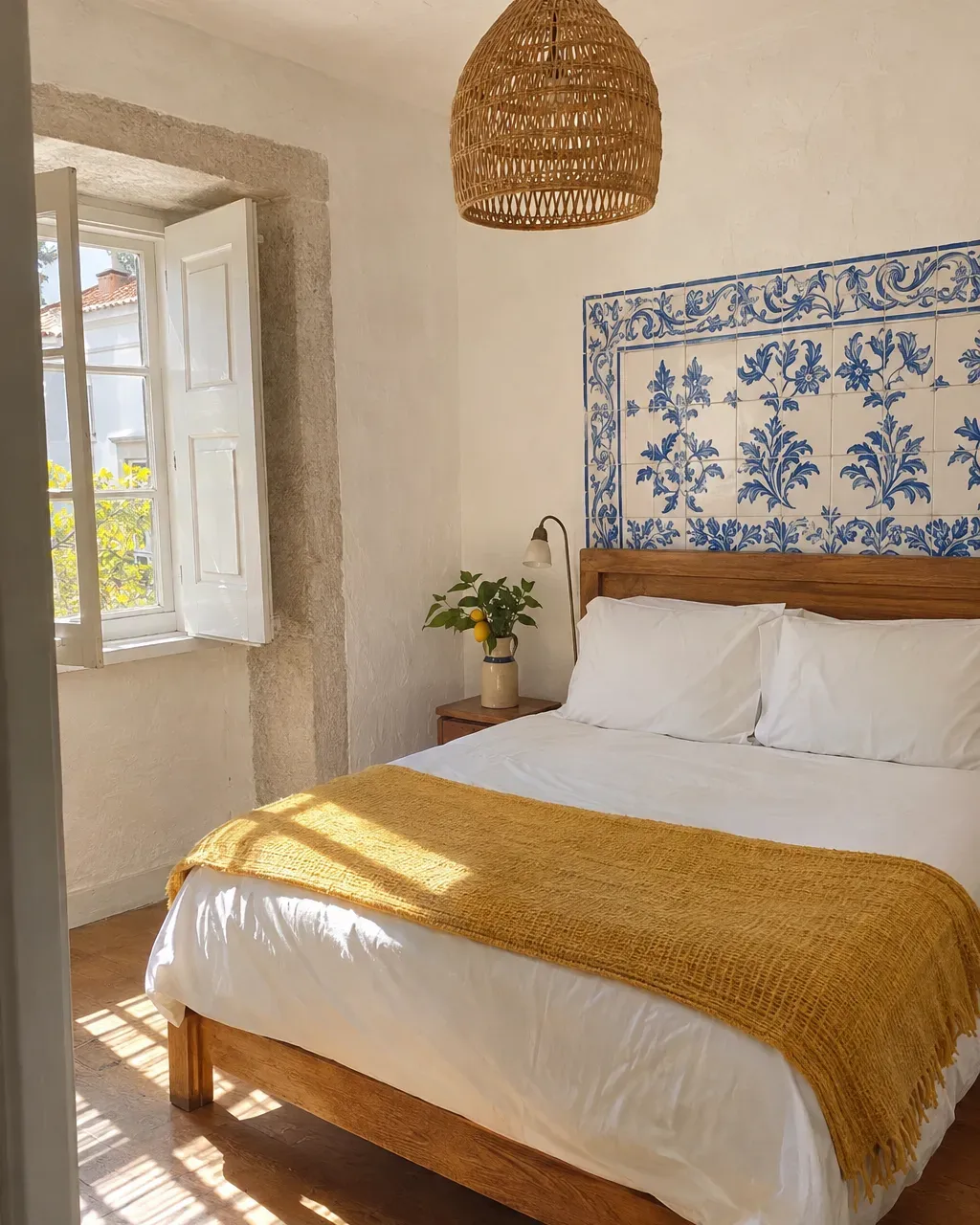
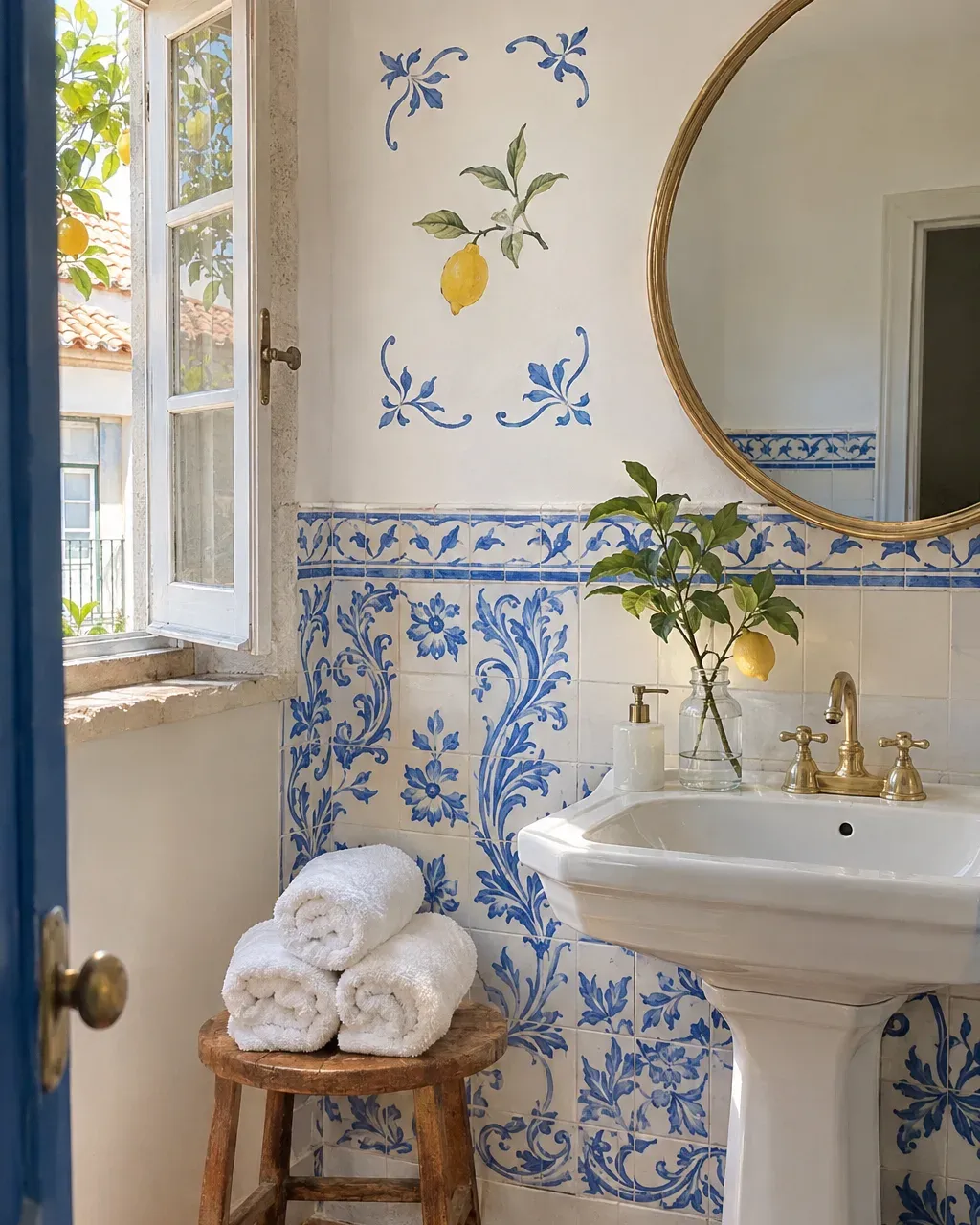
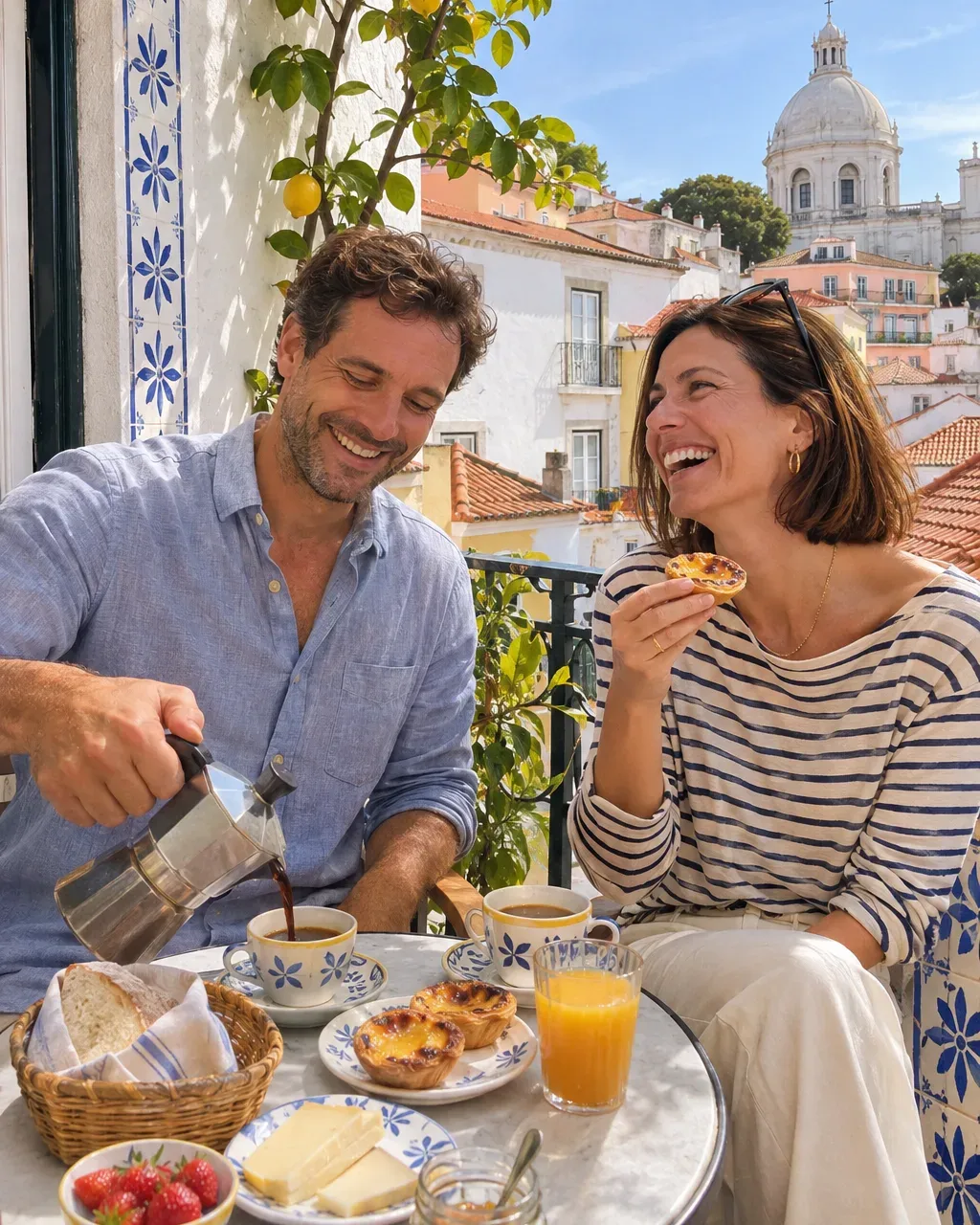
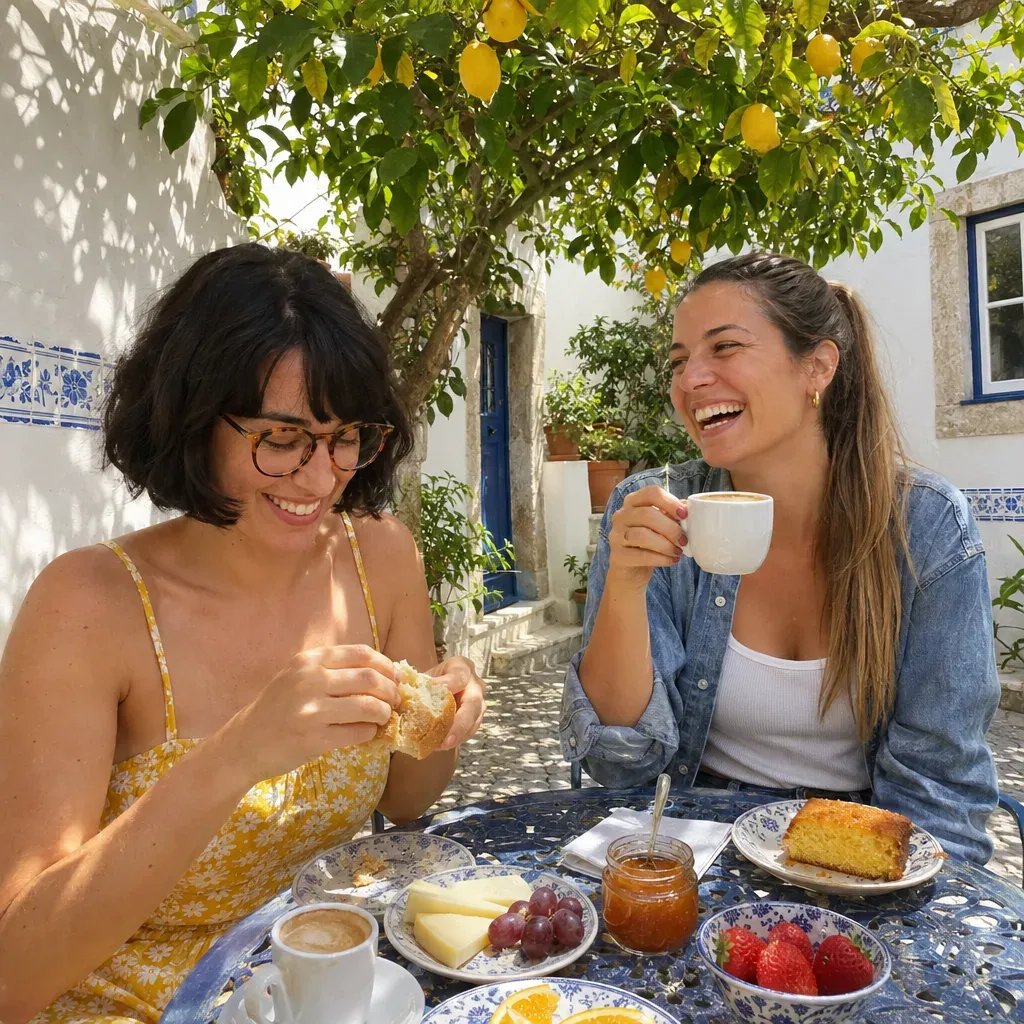
Offers and open dates are about a quarter of what you share. They turn interest into a booking for a specific date. Here is what these posts can look like:
Posts for Casa do Limoeiro





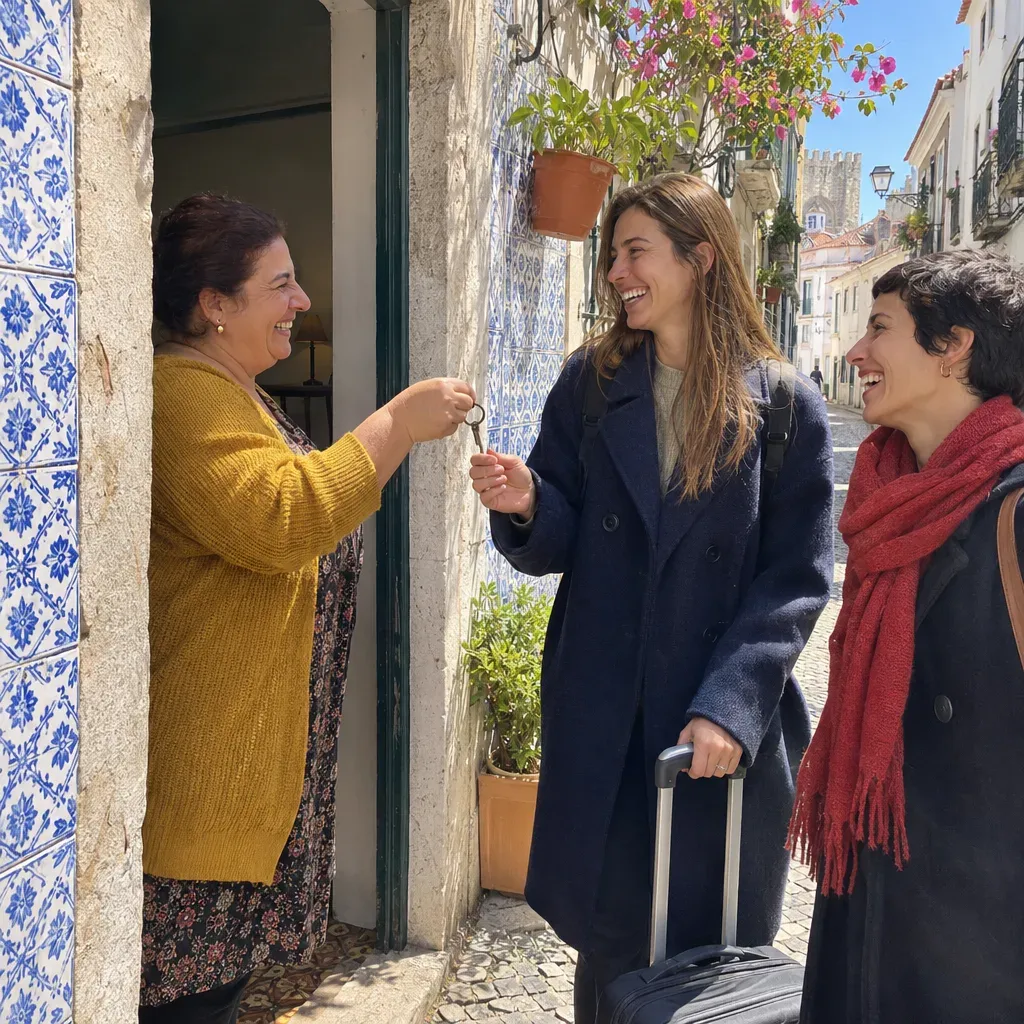
Ads for Casa do Limoeiro

Answer every day: booking questions, messages, reviews and Google questions like "Is there parking?" or "Can we check in late?" A fast, kind reply often decides whether people book with you or keep looking.
Look ahead each week: which dates are still open in the next few weeks. Point your posts at those dates.
Plan around your seasons. Early booking for summer, autumn breaks, festive stays, local events and festivals. Start talking about each one well before people book it.
What to measure
Likes do not fill rooms. These numbers do.
- Direct bookings per week, and the share of all bookings that came direct.
- Occupancy for the coming weeks, especially the gaps.
- Website and booking clicks, calls and direction requests on your Google profile.
- Reviews per month and your average rating, on Google and the booking sites.
- Messages and booking questions from Instagram and Facebook.
Look at months and seasons, not days. Compare with the same month last year when you can.
Do's and don'ts
Do
- Shoot rooms in natural light, the way they really look
- Sell the area and the trip, not only the bed
- Reply to every review, on every site
- Use one direct booking link everywhere
- Post the dates you still want to fill
- Talk about each season before people book it
Don't
- Use photos that make rooms look bigger than they are
- Post only 'book now' with nothing to see
- Let check-in times or amenities go out of date on Google
- Leave booking questions waiting until tomorrow
- Buy reviews or offer discounts for five stars
- Run ads to a booking page that is hard to use on a phone
On ads: once your profile, photos and reviews are strong, Google ads can catch travelers searching your area right now, and Instagram and Facebook ads can show your rooms to people planning a trip. Point them at specific dates or packages and your direct booking link.
Hotels and B&Bs follow the same basics as other Local businesses: be easy to find, show the real thing, and answer people fast. The difference is that your guests decide weeks ahead, so you plan your posts around the dates they will book.
Frequently asked questions
More marketing guides like this
Where to start today
Open your direct booking link on your phone and try to book a night. Fix anything that gets in the way. Then check your Google profile's photos and check-in times, and reply to your five newest reviews. Tomorrow morning, when the light is good, photograph your best room. That is a start most places never make.
The two things that matter most
Whatever you choose to do, two things decide whether your marketing grows: being consistent and being data-driven. Show up every week, not in bursts, because people forget a business that goes quiet. And look at what actually brought customers in before you plan the next week, so you do more of what works. Without both, you are mostly guessing, and growth comes and goes.
Let Huuve do it for you
Huuve does all of this for you on autopilot. It plans every week from what brought customers in, writes the posts and keeps you consistent, while you spend about 15 minutes approving it. That can save you 10+ hours a week. See how it works, or ask your own AI if Huuve fits you.

Try Huuve for 30 days
Huuve plans your week around the dates you want to fill, writes the posts and the replies, and you approve it all in about 15 minutes. If it is not for you, get your money back.
From $149 a month
30-day money-back guarantee